Enterprise Browser Page
This page allows the user to configure the Datalogic Enterprise Browser.
Import settings from file
Minimum required firmware for import/export
All other devices running Android 11 or above that are not listed in the table are fully supported.
| Device | OS Version | Minimum Firmware Version |
|---|---|---|
| Joya Touch 22 | 13 11 | ✅ 1.03.007 |
| Skorpio X5 | 13 11 10 | ✅ 3.16.001 ❌ |
| Memor 20 | 13 11 9 | ✅ 3.18.004 ❌ |
| Memor 10 | 10 9 8.1 | 3.03.10 ❌ ❌ |
| Joya Touch A6 | 9 | ❌ |
Legend: ✅ Supported in every release • X.XX.XXX First version supported • ❌ Not Supported in any release
The Import settings section allows you to provide a path to a file on the device that contains Datalogic Enterprise Browser configuration. You can read more on this topic on the Export/Import Settings page within the documentation for the Datalogic Enterprise Browser.

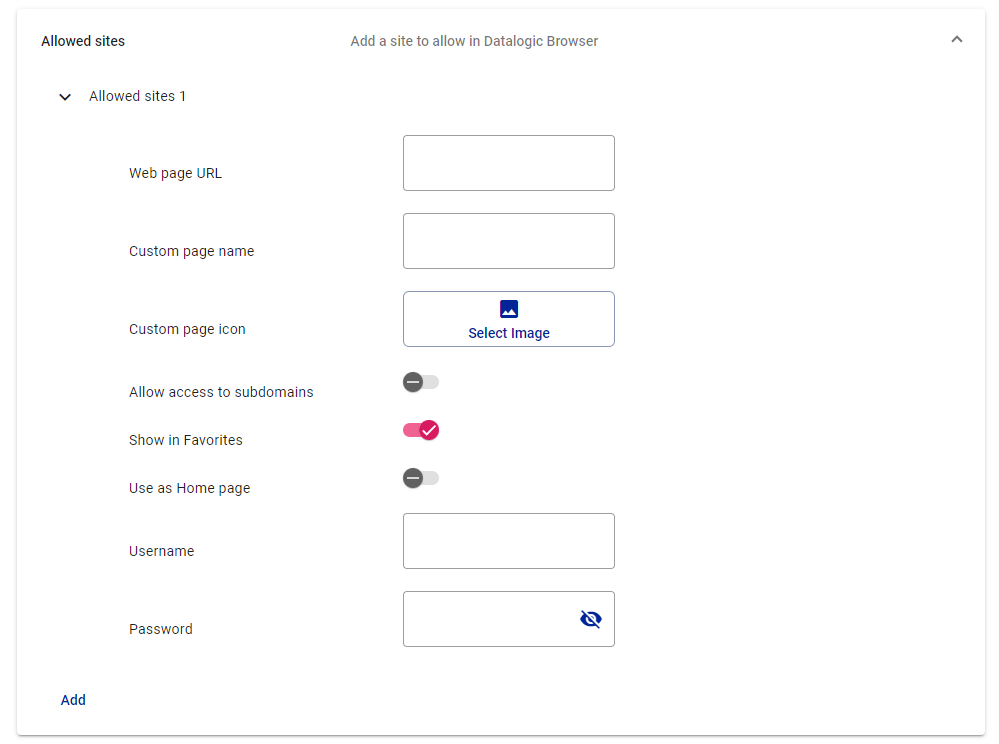
Allowed sites
The Allowed sites section controls which websites are allowed access from the browser. This section exposes settings found within the Datalogic Enterprise Browser app, which are documented on the Allowed Sites page.
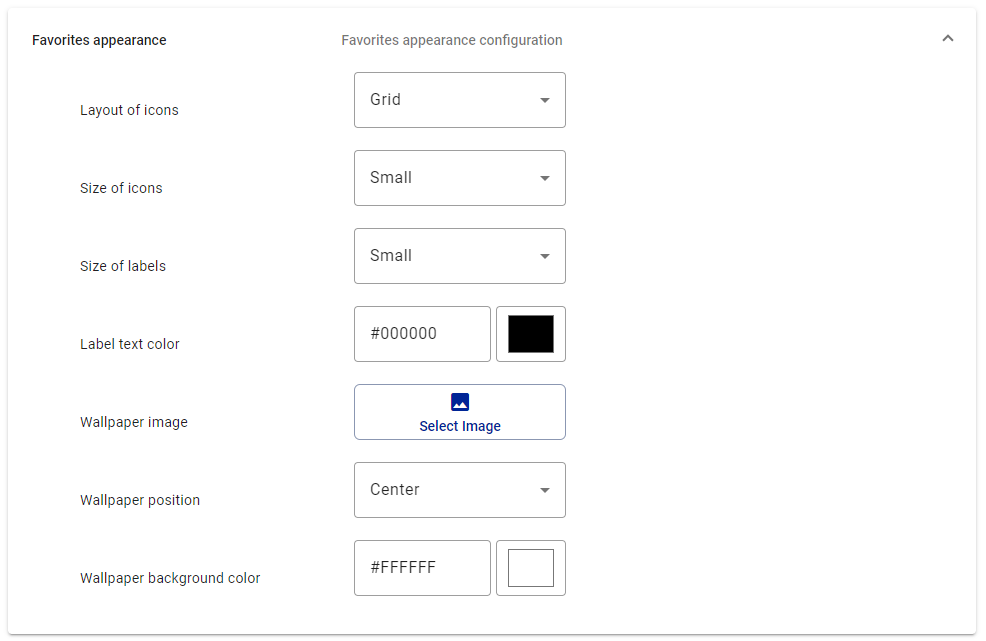
Favorites appearance
The Favorites appearance section controls the contents of the Favorites screen. This section exposes settings found within the Datalogic Enterprise Browser app, which are documented on the Favorites Settings page.
Browser Display
The Browser Display section controls the contents of the display when browsing. This section exposes settings found within the Datalogic Enterprise Browser app, which are documented on the Display Settings page.

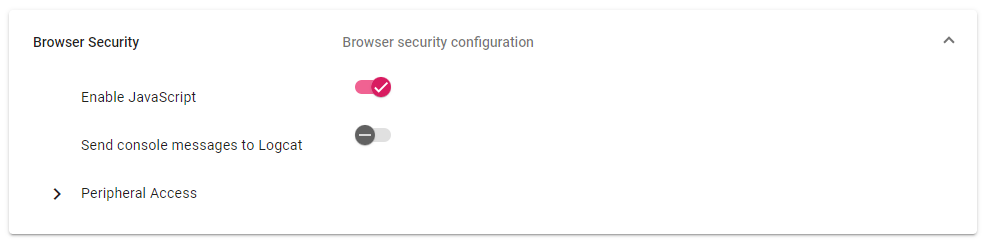
Browser Security
The Browser Security section controls web page access to sensitive information on the device. This section exposes settings found within the Datalogic Enterprise Browser app, which are documented on the Security Settings page.
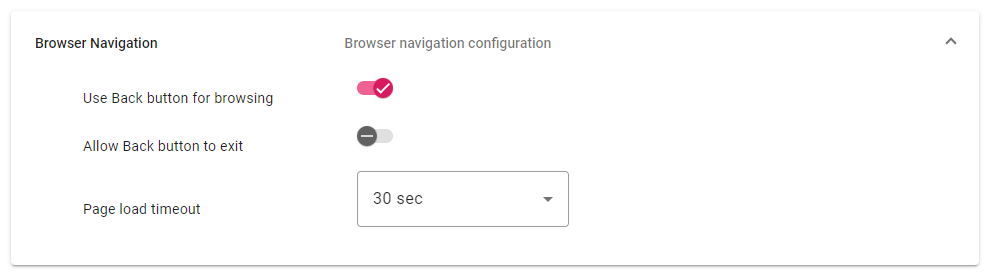
Browser Navigation
The Browser Navigation section controls web page navigation when browsing. This section exposes settings found within the Datalogic Enterprise Browser app, which are documented on the Navigation Settings page.
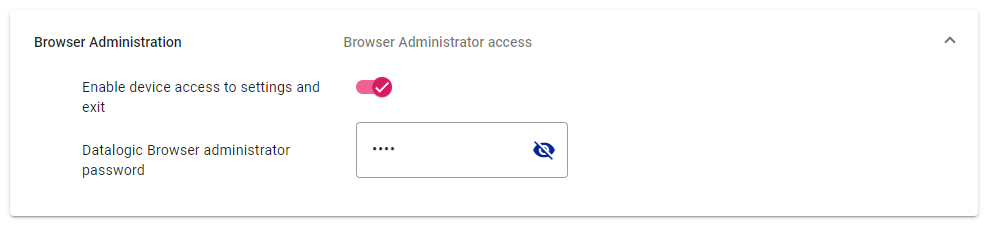
Browser Administration
The Browser Administration section controls access to the Browser configuration settings. This section exposes settings found within the Datalogic Enterprise Browser app, which are documented on the Browser Administration page.