Quick Pairing Mobile Application
Installing the App
The Quick Pairing Mobile Application can be downloaded from the Datalogic GitHub site.
Overview
Quick Pairing is a mobile Application designed to run on Android platforms that allows users to pair various Datalogic Mobile devices with Datalogic Handheld scanners that support the Bluetooth protocol.
Installation
To install the Quick Pairing Application you have two options:
- Sideload – Download/Copy the APK file from PC or Cloud storage to the device storage and install it manually.
- ADB command – you need a PC with ADB setup (Android Studio/platform tools). Enable Developer options and USB Debugging in your mobile device. Then use the command adb install < path to APK file >.
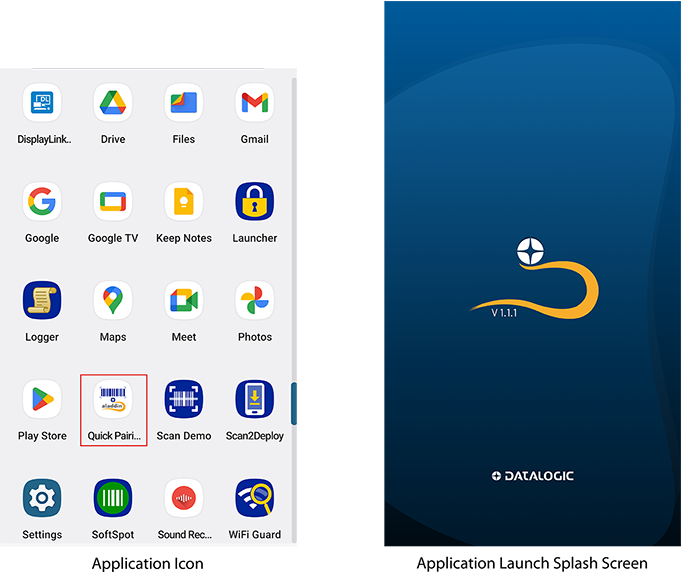
After installation, tap the Quick Pairing icon to launch the application.
Supported Devices
Here is a list of the devices supported by Quick Pairing Mobile application and the required minimum firmware version:
| Device | Minumum Firmware Version |
|---|---|
| QuickScan 2500 BT | 610171631 |
| PowerScan 9600 BT | 610149767 |
| PowerScan 9600 AR BT | 610149767 |
| PowerScan 9600 RFID BT | 610260201 |