Firmware Update
To update the Dock Manager firmware, follow the steps below:
-
Copy the update package file to the device Download folder.
-
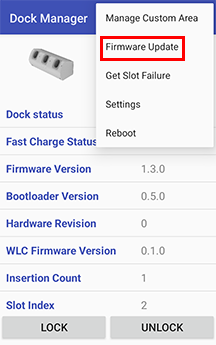
Tap the menu icon on the right top of the screen and select Firmware Update.
-
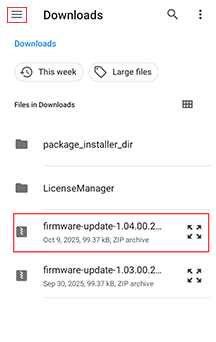
Tap the menu icon on the top left corner of the screen and select Downloads. Select the update package you want to install.
-
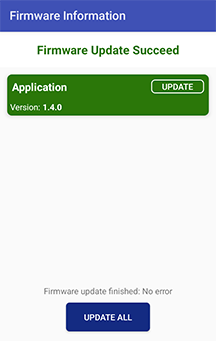
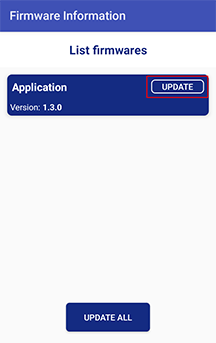
The subsequent screen displays the available updates. Tap UPDATE next to the update package you want to install. If multiple update packages are available, tap UPDATE ALL to install them all.
-
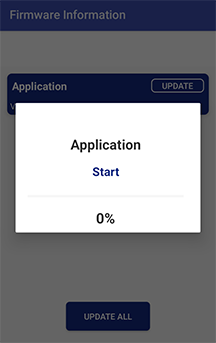
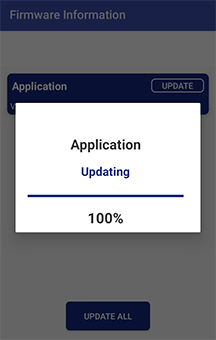
The application update will start.
-
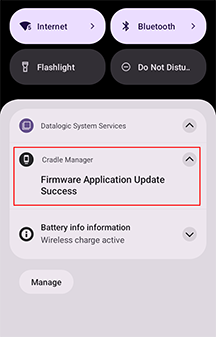
When the update is complete, a notification indicating success will appear on the screen.